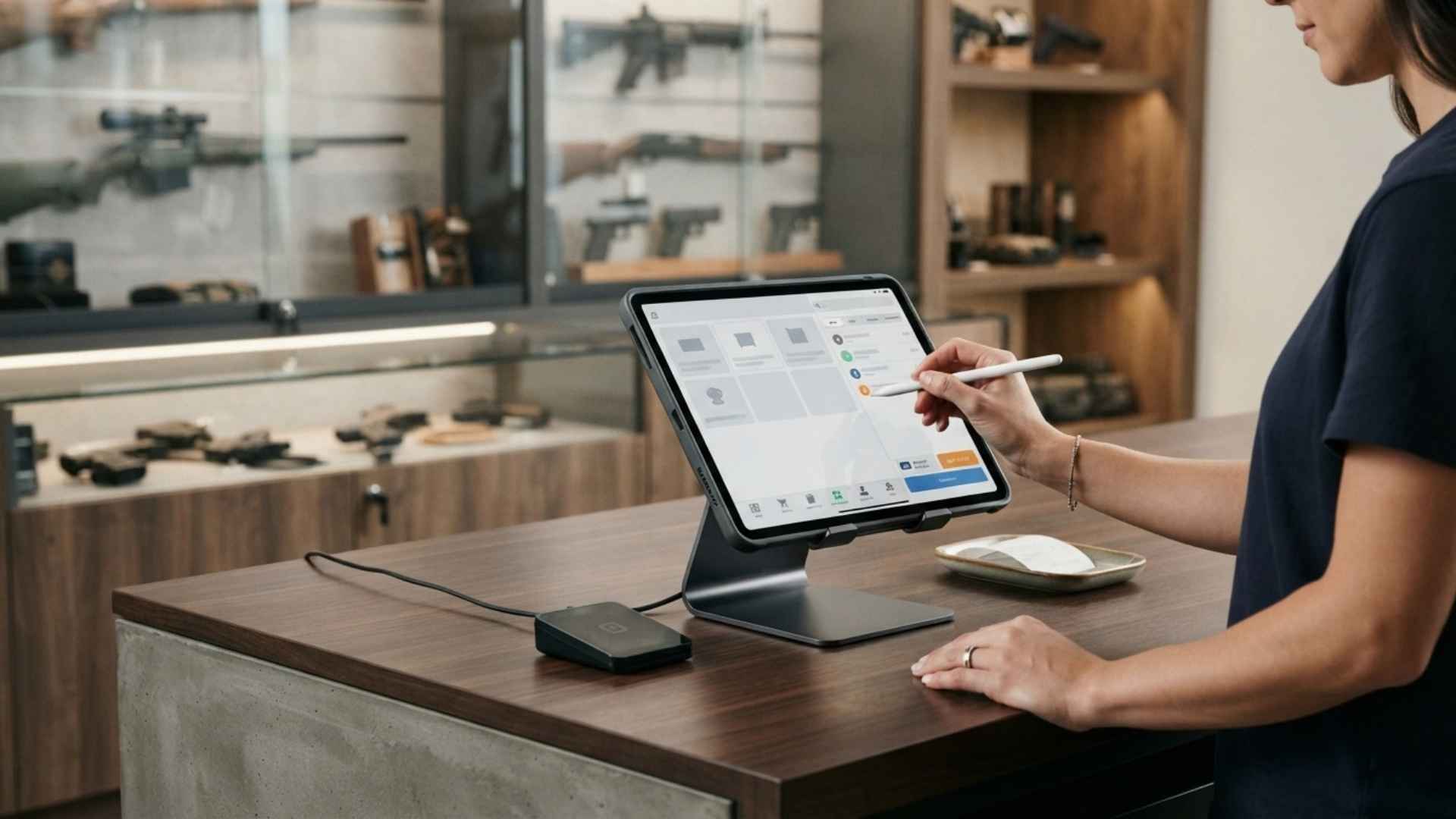
“Mobile-friendly” is one of those phrases that gets attached to almost every piece of retail software, often without much definition behind it. For a gun store owner trying to figure out whether a POS system will actually let them run their business from somewhere other than the front counter, that vagueness isn’t helpful. It’s worth being direct about what mobile access to a firearms retail POS realistically means — and where the limits are.
The Honest Version of What Mobile Access Delivers
For most FFL POS software, including systems built on more traditional, server-based architecture rather than a from-scratch mobile-first app, “mobile access” typically means:
- Checking key business data remotely — sales totals, inventory levels, pending approvals — from a phone or tablet browser.
- Approving actions that require a manager’s sign-off without being physically at the register — a discount override, a return, a schedule change.
- Reviewing reports on the go rather than only from the back-office computer.
This is genuinely useful. If you’re a gun store owner who splits time between the sales floor, the range, and running errands, being able to check what’s happening at the store without physically being there solves a real problem. (For an in-depth breakdown of how infrastructure choices impact remote capabilities, see our comparison on cloud-based vs. server-based FFL software).
What It Usually Doesn’t Mean
Where expectations tend to run ahead of reality is assuming “mobile access” means a fully native, touch-optimized mobile app experience on par with a modern consumer app — smooth animations, offline mode, a design built from the ground up for a small screen.
Most FFL and specialty retail POS systems, including ones built on older, more established technology stacks, deliver mobile access through a browser-based interface rather than a dedicated app. That’s a meaningfully different experience:
- Screens are often adapted from a desktop layout rather than redesigned for mobile use.
- Some functions that work smoothly on a full monitor may feel cramped or require more scrolling/tapping on a phone.
- Real-time updates may refresh on a schedule rather than instantly push to your device.
None of this makes the system less useful for what it’s actually good at. It does mean that if your mental picture of “mobile access” is a sleek app-store app, the reality of a browser-based portal on an older but stable platform will feel different — and it’s better to know that going in than to be surprised by it after you’ve committed.
Why This Trade-Off Sometimes Makes Sense
There’s a real trade-off between “flashy and new” and “stable and proven” — a principle explored in depth in our companion article on multi-location consistency over flash — and it’s worth naming honestly rather than pretending it doesn’t exist. Systems built on longer-established technology (including older database and application frameworks) often prioritize:
- Data integrity and consistency — the same query logic runs the same way every time, which matters enormously when your data includes firearm transfer records and compliance-sensitive information.
- Stability over the long haul — fewer surprise breaking changes, fewer “the update broke our workflow” moments.
- Predictable behavior — for a business where compliance paperwork can’t afford ambiguity, a system that behaves exactly the same way today as it did last year has real value, even if it doesn’t look as modern doing it.
The trade-off is that this kind of system usually isn’t going to feel as visually polished or as touch-native as an app built five years ago from scratch with mobile as the primary design target. That’s a legitimate limitation, not a secret — and a store owner should factor it into expectations rather than discover it after the fact.
What to Actually Ask Before You Assume
If mobile access matters to how you plan to run your store, the right move is to ask specific questions rather than relying on marketing language:
- “Is this a native app, or browser-based access to the same system I’d use on a desktop?”
- “What specific functions can I actually perform from a phone — not just view, but actually do?”
- “How often does the mobile view refresh with new data — instantly, or on a delay?”
- “Can I approve a manager-level override (discount, void, return) from my phone, or only view reports?”
- “What level of technical assistance is covered under your support policy if mobile browser sync issues arise?”
Getting concrete answers to these questions — and knowing what to expect from dedicated FFL software support — will tell you far more than any marketing page will.
Getting the Most Out of What Mobile Access Actually Offers
Given a realistic picture of what mobile access delivers, the most productive way to use it is for exactly the things it’s built for:
- Checking end-of-day totals without driving back to the store.
- Approving a manager-level override remotely so your floor staff isn’t stuck waiting.
- Reviewing inventory levels before making a purchasing decision while you’re at a supplier or a show.
Used this way, mobile access solves a real, everyday problem for a busy owner — even without being a flashy standalone app.
The Bottom Line
“Mobile-friendly” means different things depending on the system, and gun store owners deserve a straight answer about what they’re actually getting rather than a marketing buzzword. A browser-based mobile experience built on a stable, consistent platform isn’t the same as a native app — but for the specific tasks that matter most (checking numbers, approving actions, staying connected to your store without being physically present), it can absolutely get the job done.
Knowing the difference up front means you’ll actually use it the way it’s designed to be used, instead of being frustrated it isn’t something it never claimed to be. If you want to see exactly how mobile browser access works in real-world store scenarios, request a live demo (or schedule directly on our demo calendar) to test the interface before making a decision.