Choosing between server-based and cloud based FFL software affects far more than checkout. It shapes hardware spending, employee access, data recovery, IT requirements, and future growth. For many FFL dealers, the cloud offers a more flexible operating model because it reduces the need for proprietary infrastructure and makes it easier to add users, terminals, and locations.
Software is the operational hub of a gun store. It connects sales, inventory, reporting, employee permissions, and daily management. That makes the decision too important to leave until the end of the startup process.
The real question is not simply where the software runs. It is whether the system helps the business grow or creates another expensive layer of infrastructure to maintain.
What Is the Difference Between Cloud-Based and Server-Based FFL Software?
Cloud-based FFL software is accessed through the internet, while server-based software depends on hardware installed at the business. Both can support store operations, but they place the cost and maintenance burden in different places.
A server-based system may require a physical server, networking equipment, wiring, installation, proprietary devices, and technical support. The business is responsible for maintaining that environment.
A cloud platform works through supported internet-connected devices. Authorized users log in without relying on a full local server setup at every store.
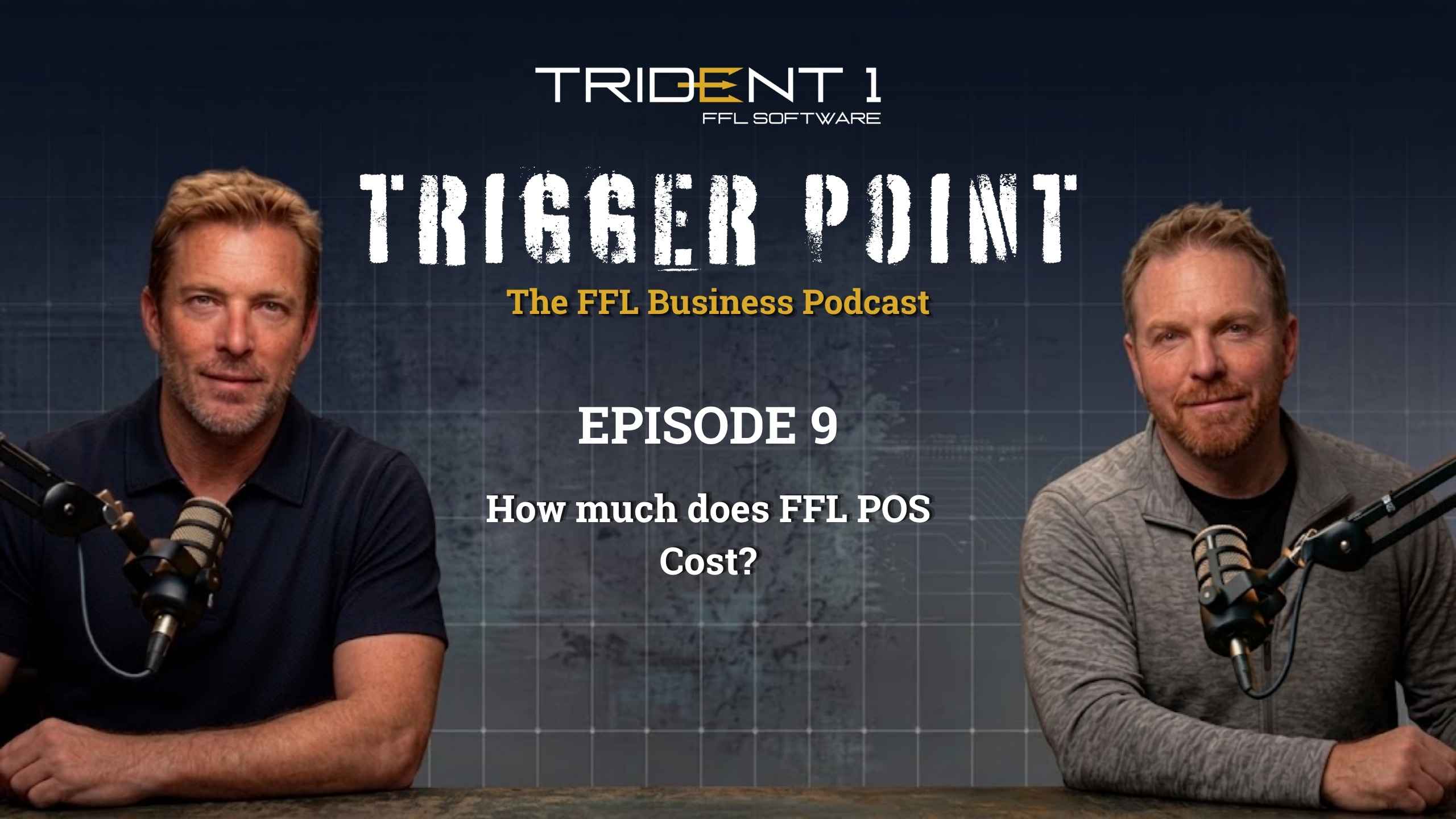
Daniel Peterson explained the difference on Trigger Point, the FFL Business Podcast. He described cloud access as logging into a website configured around the business. The dealer already uses internet-connected devices for email, banking, supplier communication, and other daily tasks.
The main difference is responsibility. Server systems put more hardware and maintenance obligations on the retailer. Cloud systems reduce that local burden.
How Much Can a Server-Based FFL System Cost?
A server-based system can require a large upfront investment before the retailer knows how well the software fits the operation. Costs may include servers, networking, proprietary hardware, installation, and technical support.
Daniel estimated that some on-premise setups can cost between $20,000 and $30,000 in equipment at the start. For multi-location businesses, he said the total can exceed $100,000 when similar infrastructure must be installed at each store.
That creates an immediate commitment.
The retailer may still be learning how the platform works, but a major amount of capital is already tied to hardware that may only work with one provider.
Additional costs may include:
- Network wiring
- IT support
- Server maintenance
- User licenses
- Replacement components
- New infrastructure for expansion
- Future hardware upgrades
The software price is only one part of the decision. Dealers must also calculate what it costs to own, maintain, and replace the entire environment.
Why Do Hardware Refreshes Matter?
Hardware refreshes matter because servers and network equipment eventually become outdated, unreliable, or unable to support the business.
Jake Newbold emphasized that many owners focus on the first purchase and overlook the next replacement cycle. A system that seems affordable today may require another major investment several years later.
The problem becomes larger for multi-location dealers. If each store depends on proprietary infrastructure, the company may need to refresh several locations at once.
Before choosing a server-based platform, ask:
- How long will the equipment remain usable?
- Who decides when it must be upgraded?
- Can replacement hardware be purchased independently?
- Does each location need the same setup?
- What happens when the business outgrows the current system?
A server is not a one-time expense. It can become a repeating capital obligation.
How Does a Cloud Platform Reduce Hardware Costs?
A cloud platform reduces hardware costs by allowing the business to use standard internet-connected equipment instead of purchasing a full proprietary server environment.
Jake explained that Trident 1 FFL Software can run on relatively basic equipment. Dealers do not need a high-end server stack simply to access the system. A lower-cost laptop or supported tablet may be enough for many workflows.
This gives the owner more control over purchasing decisions. The business can source compatible equipment based on budget and operational needs instead of buying everything through one provider.
Jake also shared that some multi-location FFL dealers moving to Trident 1 eliminated more than $40,000 in expenses and planned hardware refreshes. He estimated that savings can range from $20,000 to $50,000 upfront, depending on the size and setup of the business.
Those figures will vary, but the principle is clear. Less proprietary infrastructure means more capital remains available for inventory, staffing, marketing, and expansion.
Is an On-Site Server Automatically More Secure?
An on-site server is not automatically more secure because it is physically located inside the store. Local equipment can still be damaged, stolen, compromised, or lost through hardware failure.
Jake addressed this misconception directly. A server inside the building remains vulnerable to fire, theft, physical damage, and incomplete backups. If that machine fails, the business may lose access to the operational system until it can be repaired or restored.
Cloud environments can provide greater redundancy through backups and multiple hosting regions. If one region goes down, another may support recovery or continued access.
That does not mean every cloud platform is equally secure. Dealers should still ask how data is backed up, where copies are stored, how recovery works, and how employee permissions are controlled.
Physical possession does not eliminate risk. In some cases, it concentrates more risk inside one location.
What Is the Difference Between Backup and Disaster Recovery?
A backup is a copy of business data. Disaster recovery is the process used to restore access after a serious outage or failure.
A business can have backups and still be unprepared.
If a local server fails, the dealer must know where the backup is stored, how recent it is, and how quickly it can be restored. If both the server and backup are in the same building, one incident could affect both.
Jake explained that cloud environments can use multiple backup regions. This creates more than one recovery option if the primary environment becomes unavailable.
Dealers should ask:
- How often is data backed up?
- Where are backups stored?
- How quickly can access be restored?
- Is the recovery process tested?
- Who is responsible for restoration?
A backup only matters if the business can use it when something goes wrong.
Which Model Is Faster to Set Up?
A cloud platform is usually faster to set up because the dealer does not need to wait for proprietary servers, installation, or complex networking work.
Daniel identified speed of access as one of Trident 1’s biggest advantages. He explained that a customer can enter the system almost as quickly as receiving a login link.
That matters for new stores, software migrations, replacement workstations, and additional locations.
A server-based rollout may involve ordering equipment, installing it, wiring the network, configuring the software, and testing the environment.
Cloud access reduces those delays. The business can focus on configuration, training, and workflows instead of waiting for infrastructure.
Why Does Ease of Use Matter?
Ease of use matters because gun store employees should not need IT or networking backgrounds to complete routine tasks.
Daniel named ease of use as another major advantage of Trident 1 FFL Software. His point was simple: if software is not intuitive, it creates more work instead of reducing it.
FFL employees already manage customers, inventory, sales, transfers, reporting, and store procedures. The software should support those responsibilities without forcing users to become technical specialists.
A practical system should make it clear where to go, what to do next, and which information each employee can access.
Ease of use improves onboarding, consistency, employee confidence, and manager oversight.
How Does Cloud Access Support Multiple Locations?
Cloud access supports multiple locations by reducing the need to duplicate a complete server setup at every store.
Daniel explained that some businesses begin with on-premise systems and later outgrow them. When they open another location, they may need to purchase the same proprietary equipment again.
A cloud platform is more flexible. Adding another terminal may be as simple as buying a compatible laptop. Adding another location does not require the business to rebuild its technology from the ground up.
This also gives ownership greater mobility. Authorized users can access the system without being tied to one physical counter or one local server.
For a growing dealer, software should make expansion easier, not become another reason to delay it.
Do Per-User Fees Increase Software Costs?
Per-user fees can make software more expensive as a business hires employees or adds locations.
Jake explained that some platforms charge for each user or seat. Trident 1 FFL Software does not use that model. According to the podcast, the company does not charge more simply because the dealer adds more users.
The business can create the accounts it needs and control access through internal permissions.
That matters for stores with several sales associates, managers, administrators, or multiple locations.
Dealers should still ask every provider how pricing works. Some may charge by user, terminal, location, feature package, or transaction volume.
The pricing model should support growth rather than make every new employee another software expense.
When Can a Server-Based System Still Make Sense?
A server-based system may still make sense for a dealer with existing infrastructure, dedicated IT support, and limited plans for expansion.
Not every business starts from the same position. A retailer may already own the equipment and have employees who understand how to maintain it.
The question is whether the system still provides enough value.
Before staying with a server-based platform, evaluate:
- Upcoming replacement costs
- IT support requirements
- Backup procedures
- Remote access limits
- Per-user fees
- Expansion plans
- Migration costs
Keeping a server because it still works today may be reasonable. Keeping it without calculating the next expense is not.
What Should an FFL Dealer Ask Before Choosing Software?
An FFL dealer should compare total cost, hardware requirements, backups, access, user pricing, and scalability before choosing a system.
Ask every provider:
- What equipment must be purchased?
- Is the hardware proprietary?
- What does installation cost?
- Are users charged separately?
- Who maintains the system?
- How is data backed up?
- What happens during hardware failure?
- Can managers access the system remotely?
- How are permissions controlled?
- What is required to add another location?
- What support is included?
- What will the system cost over several years?
The lowest advertised price does not always create the lowest long-term cost.
Which FFL Software Model Offers Better Long-Term Value?
For many growing dealers, a cloud platform offers better long-term value because it reduces hardware commitments, speeds up access, supports multiple locations, and avoids repeated server investments.
A server-based system may still fit some businesses, but the full cost of equipment, maintenance, user licensing, and future replacement must be included.
The software running a gun store should support growth, not hold the business back.
Watch the Full Podcast Episode
To hear the full discussion, watch Kevin’s conversation with Jake Newbold and Daniel Peterson on Trigger Point, the FFL Business Podcast. The episode covers server costs, hardware refreshes, backups, user pricing, accessibility, and the long-term advantages of cloud based FFL software. Watch the full podcast on YouTube to hear Trident 1 FFL Software’s leadership explain how these choices affect real FFL operations.
Frequently Asked Questions About Cloud and Server-Based FFL Software
What is cloud-hosted FFL software?
Cloud-hosted FFL software is accessed online through supported devices. The main platform runs remotely instead of through a primary server installed inside the store.
What is server-based FFL software?
Server-based software operates through local hardware at the business. It may require servers, networking equipment, installation, maintenance, and technical support.
Does a cloud platform require expensive equipment?
Not always. Jake explained that Trident 1 FFL Software can run on relatively inexpensive laptops and supported tablets instead of requiring a full server stack.
Can a cloud system support multiple locations?
Yes. Cloud systems can make it easier to add stores, users, and terminals without duplicating a complete local server environment.
Are cloud systems immune to outages?
No. Every system can experience outages. Dealers should ask providers about backups, recovery plans, hosting redundancy, and expected restoration procedures.
Do server systems require IT support?
Many do. Server environments may require help with setup, networking, maintenance, troubleshooting, backups, and hardware replacement.
Does Trident 1 charge per user?
According to Jake Newbold in the podcast, Trident 1 does not charge based on the number of users. Dealers can manage user permissions internally.
Which model is easier to scale?
A cloud model is generally easier to scale because new locations and terminals can be added without recreating a proprietary server setup.